
- Web Accessibility
- September 3, 2026
Accessibility Isn’t a Feature. It’s a Mindset.
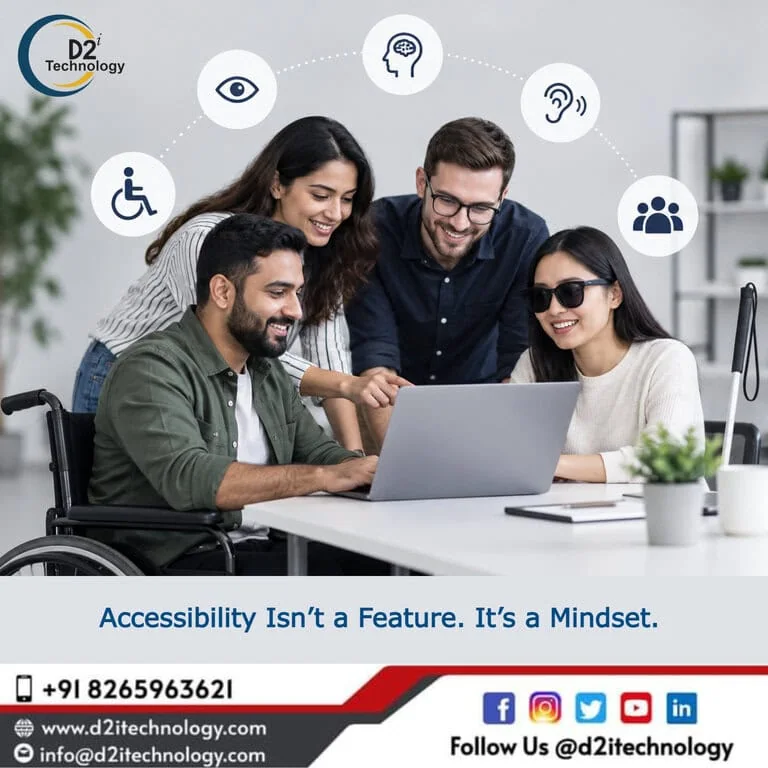
A website can look beautiful, perform fast, and still fail the people who need it most.
Imagine this.
A product team spends months building a new digital platform. The UI is modern. The colors match the brand. The animations are smooth. The forms look clean. The launch goes perfectly.
Then the feedback starts coming in.
“I can’t find the button with my screen reader.”
“I can’t complete the form using my keyboard.”
“The text is difficult to read.”
“I’m not sure what I’m supposed to do next.”
Suddenly, the team realizes something important:
The product was designed for users. But accessibility wasn’t considered in the design process.
This is one of the biggest challenges organizations face today.
And the solution isn’t simply running an accessibility audit after development.
Accessibility needs to become a mindset.
The Problem: Accessibility Is Often Treated as a Checklist
When teams think about accessibility, the conversation often starts too late.
After the website is developed.
After the application is launched.
After a customer complains.
Or, sometimes, after a compliance requirement arrives.
The questions usually sound like:
- Does the design look clean?
- Do these colors match our brand?
- Does the animation feel smooth?
- Does this form look simple?
- Does the page look balanced?
- Does our product meet the requirements?
These are important questions.
But they aren’t enough.
An accessibility-first team asks different questions:
Can this content be understood quickly by someone scanning, listening, or feeling overwhelmed?
Can it be seen by someone with low vision, glare sensitivity, or visual fatigue?
Can someone navigate it without a mouse?
Could an interaction make someone confused, dizzy, lost, or stuck?
Can someone complete this form without guessing?
Does the experience still make sense if someone cannot see the visual layout?
Who might struggle with this experience—and why?
That shift in thinking can completely change the outcome.
The Consequences of Ignoring Digital Accessibility
Accessibility problems aren’t just technical issues.
They can create real business, user, and compliance consequences.
1. You exclude potential customers
If users with disabilities cannot navigate your website or application, they may simply leave.
A confusing form, inaccessible checkout, missing keyboard navigation, or poorly structured content can turn a potential customer into a lost customer.
2. Your user experience suffers
Accessibility improvements often improve usability for everyone.
Clear content.
Logical navigation.
Readable typography.
Consistent interactions.
Better forms.
Meaningful error messages.
These aren’t only accessibility requirements—they are good UX practices.
3. Compliance risks increase
Organizations operating across markets increasingly need to consider accessibility requirements such as WCAG, ADA, Section 508, EAA, and applicable disability regulations.
Accessibility shouldn’t become a last-minute compliance exercise.
4. Remediation becomes expensive
Finding an accessibility problem during design is very different from discovering it after development, deployment, and integration.
The later accessibility is introduced into the development lifecycle, the more expensive and disruptive remediation can become.
5. Brand trust can suffer
Customers increasingly expect digital experiences to be inclusive, secure, and responsible.
Accessibility is therefore not only about compliance.
It is also about trust.
The Solution: Make Accessibility Part of Every Decision
The most effective approach is to move from:
“Let’s fix accessibility issues.”
to:
“Let’s build accessibility into the way we work.”
This means considering accessibility across the entire product lifecycle.
During UX & UI Design
Think about:
- Color contrast
- Typography and readability
- Focus indicators
- Keyboard accessibility
- Clear navigation
- Accessible forms
- Error messaging
- Responsive behavior
- Cognitive accessibility
- Screen reader experience
During Development
Developers should consider:
- Semantic HTML
- ARIA implementation
- Keyboard navigation
- Focus management
- Accessible components
- Form labels and validation
- Alternative text
- Accessible dynamic content
- Proper heading structure
During Testing
Combine automated accessibility testing with manual accessibility testing.
Tools can identify many common issues, but automated testing alone cannot determine whether a complete user journey is genuinely accessible.
That is why expert manual testing using technologies such as screen readers, keyboard-only navigation, and assistive technologies is critical.
Before Launch
Conduct a structured WCAG accessibility audit and remediate identified issues before they become customer-facing problems.
And accessibility shouldn’t stop at launch.
Continuous accessibility testing should become part of your QA and development lifecycle.
Accessibility Is More Than WCAG Compliance
WCAG compliance is important—but accessibility is bigger than a checklist.
A website can technically pass many automated checks and still provide a frustrating experience for a person using assistive technology.
That’s why organizations should think about:
Accessibility + Usability + Assistive Technology + Inclusive Design + Compliance
Together.
The goal shouldn’t simply be:
“Did we pass the audit?”
The better question is:
“Can people actually use our digital product independently and confidently?”
That’s where the mindset changes everything.
Why D2i Technology?
At D2i Technology, we believe accessibility should be considered from the beginning—not treated as a last-minute fix.
Our accessibility capabilities cover the complete journey:
Accessibility Audit → Manual Testing → Automated Testing → Remediation → Retesting → VPAT Support → Ongoing Accessibility
Our team brings experience across WCAG accessibility testing, accessibility remediation, screen reader testing, keyboard accessibility, inclusive design, and digital accessibility compliance.
We also have accessibility professionals with IAAP certifications including CPACC, WAS and CPWA, helping us approach accessibility from both technical and user-experience perspectives.
More importantly, accessibility is not our only capability.
We combine accessibility expertise with software development, QA/testing, data privacy, data security, AI, and digital transformation.
This becomes particularly valuable for organizations in industries where accessibility and compliance intersect with sensitive data and complex digital workflows.
Industries we understand include:
- Healthcare
- Insurance
- eLearning
- Finance
- E-commerce
- Enterprise & Corporate Platforms
For example, a healthcare platform may need to address WCAG compliance, accessibility testing, data privacy, security, and application performance at the same time.
Instead of treating these as isolated challenges, we help organizations look at the bigger picture.
Accessibility Should Feel Like Responsive Design
Think about responsive design.
Today, designers don’t ask:
“Should we make this responsive?”
They simply design responsively.
Accessibility should become the same.
It should be part of the default way we design, develop, test, and launch digital products.
Because accessibility isn’t about creating a special experience for a small group of people.
It’s about creating a better digital experience for everyone.
Is Your Digital Product Truly Accessible?
Ask yourself:
- Can every important function be completed using only a keyboard?
- Does your website work effectively with screen readers?
- Are your forms properly labelled and understandable?
- Is your content readable and logically structured?
- Are color contrast and visual cues accessible?
- Can users understand errors and recover from them?
- Are interactive components accessible?
- Have real assistive technologies been used during testing?
- Are you targeting WCAG 2.1/2.2 AA compliance?
If you’re unsure about even a few of these, it’s probably time to take a closer look at our accessibility compliance checklist.
Let’s Build More Inclusive Digital Experiences
Whether you’re:
Launching a new website, improving an existing application, preparing for an accessibility audit, working toward WCAG compliance, addressing ADA/EAA requirements, or looking for accessibility remediation support—D2i Technology can help.
We can help you move from:
“We need to fix accessibility.”
to:
“Accessibility is built into our product.”
Let’s talk about your accessibility requirements.
D2i Technology
d2itechnology.com
[email protected]
+91 82659 63621
Have an accessibility challenge? Share it with us. Let’s explore how we can solve it together.
Frequently Asked Questions
Start Building Accessibility Into Your Product - Not Onto It
Whether you need a full WCAG audit, manual screen reader testing, remediation support, or ongoing accessibility monitoring — D2i Technology's IAAP-certified team covers every stage. Let's talk about where you are and what you need.