- Accessibility Services
- March 12, 2026
Accessibility in eLearning: Why It Matters More Than Ever
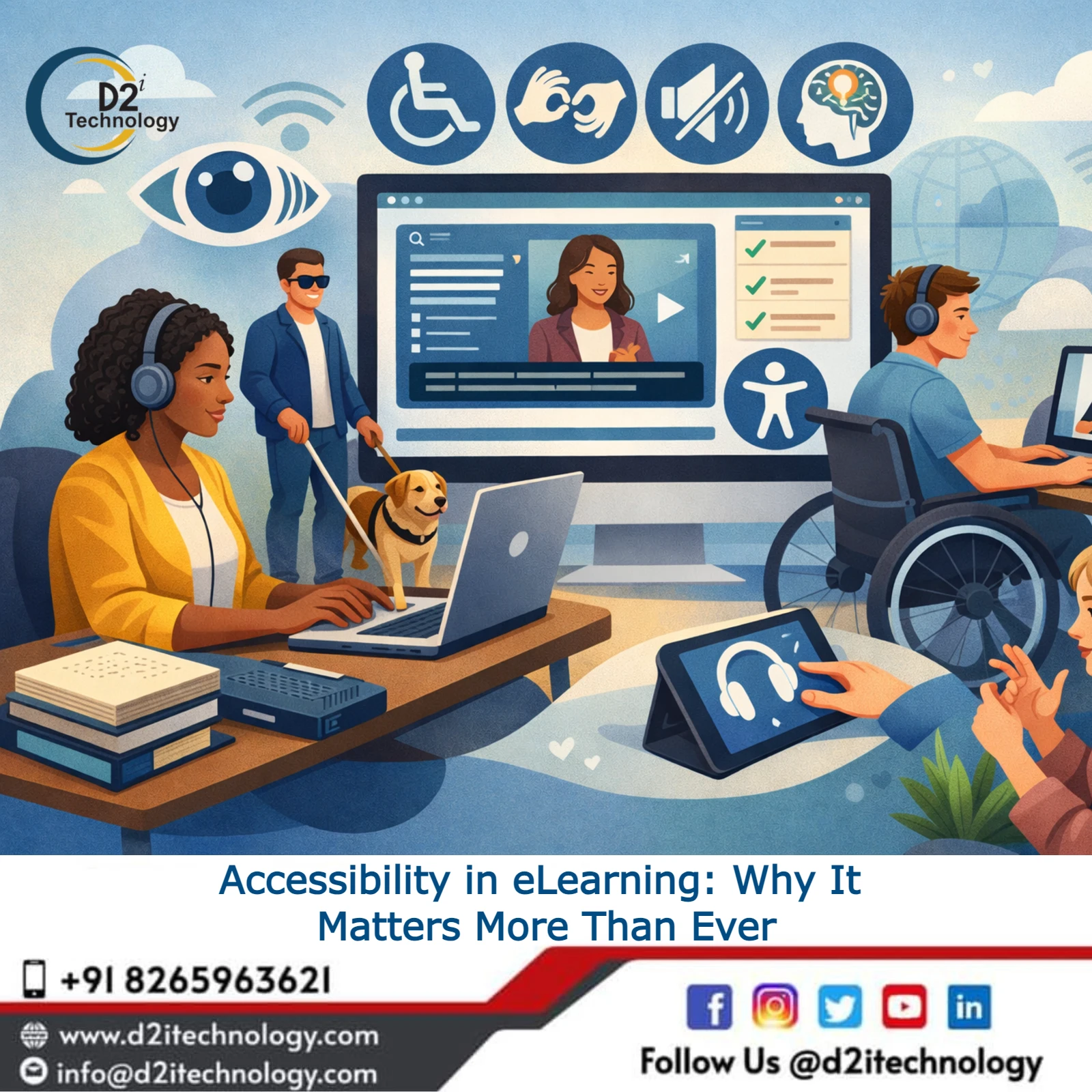
When people talk about accessibility, the conversation usually focuses on websites. However, accessibility is just as important—if not more important—in eLearning environments.
Training programs are designed to educate employees, partners, and customers. If someone cannot access that training because the course does not work with assistive technologies, the entire purpose of the learning program is compromised.
In real accessibility audits, we frequently encounter several common issues such as:
- Buttons that cannot be reached using keyboard navigation
- Visual instructions that screen readers cannot interpret
- Interactive exercises that rely entirely on mouse-based actions
- Images that are missing alternative descriptions
These problems often go unnoticed during regular testing. However, they become immediately apparent when a course is tested using screen readers or keyboard-only navigation.
Standards like WCAG 2.1 and WCAG 2.2 AA provide a framework for ensuring digital content works for everyone. These guidelines focus on making content perceivable, operable, understandable, and robust.
For organizations operating in the United States, accessibility also overlaps with Section 508 compliance, especially when working with federal agencies or public-sector clients.
Articulate Storyline 360 and Accessibility Challenges
Articulate Storyline 360 is one of the most widely used eLearning authoring tools today. It enables instructional designers to build highly interactive learning modules that include quizzes, branching scenarios, animations, and simulations.
However, this flexibility also introduces accessibility challenges. Many Storyline courses were originally designed for visual interaction and mouse-based navigation. Accessibility was often considered later in the process—or sometimes not considered at all.
Because of this, many organizations now have extensive course libraries that require accessibility remediation. Some of the most common accessibility issues we see in Storyline modules include:
- Poor keyboard navigation structure
- Incorrect tab order
- Missing focus indicators
- Screen readers reading content in the wrong sequence
- Drag-and-drop interactions that cannot be completed without a mouse
Resolving these issues requires both technical expertise and a clear understanding of how learners interact with course content.
WCAG 2.1 / 2.2 AA Compliance Implementation
Implementing WCAG 2.1 / 2.2 AA compliance in Storyline modules involves much more than adjusting colors or adding alternative text. Accessibility experts usually begin with a detailed accessibility audit to identify gaps between the current course design and WCAG requirements.
Common areas that require improvement include:
- Creating a logical content structure
- Ensuring keyboard accessibility for all interactive elements
- Properly labeling buttons and navigation controls
- Maintaining adequate color contrast
- Adding clear focus indicators for navigation
The goal is simple: ensure that every learner—including those using assistive technologies—can navigate and complete the course without barriers.
Articulate Storyline 360 Remediation
For organizations with large libraries of existing courses, Articulate Storyline 360 remediation is often the most practical solution. Instead of rebuilding courses from scratch, accessibility specialists improve the existing modules by fixing elements that fail accessibility standards.
Typical remediation tasks include:
- Fixing the reading order in the timeline
- Adding meaningful alternative text to images and graphics
- Adjusting tab order for interactive components
- Updating inaccessible navigation structures
In some cases, remediation can be straightforward. In other situations, deeper structural changes are required. Regardless of the complexity, the objective remains the same: make the course accessible without disrupting the original learning objectives.
Keyboard Navigation, Tab Order, and Focus State Correction
One area that consistently creates challenges in Storyline courses is keyboard navigation. Many learners cannot use a mouse and rely entirely on the keyboard to move through digital content. If the course does not support proper tab navigation, those users simply cannot proceed.
Accessibility specialists spend significant time reviewing tab order and focus states on every slide. This process typically includes:
- Ensuring all interactive elements receive keyboard focus
- Creating a logical tab sequence
- Making focus indicators clearly visible
- Removing hidden objects that interfere with navigation
Although it may seem like a minor detail, proper keyboard navigation can dramatically improve the usability of a course.
Screen Reader Testing
Accessibility testing is incomplete without testing with screen readers. Two of the most widely used screen readers are:
- NVDA (NonVisual Desktop Access)
- JAWS (Job Access With Speech)
These tools allow users with visual impairments to navigate digital content using audio feedback. During testing, accessibility specialists carefully observe how the screen reader interprets the course content.
They verify whether:
- Buttons are announced correctly
- Instructions are read in the correct order
- Interactive elements have proper labels
- Hidden elements do not interfere with the reading flow
In many cases, even small adjustments—such as updating the accessibility label of a button—can significantly improve the experience for screen reader users.
Section 508 Compliance
For many organizations in the United States, accessibility initiatives are closely tied to Section 508 compliance. Section 508 requires federal agencies—and organizations working with them—to ensure that digital technologies are accessible to people with disabilities.
Accessibility specialists with Section 508 compliance experience help organizations understand how these requirements apply to their digital learning platforms. Their support may include:
- Conducting accessibility audits
- Preparing compliance documentation
- Assisting with VPAT preparation
- Recommending remediation strategies
This guidance helps organizations reduce compliance risks while improving the overall accessibility of their training programs.
Redesigning Inaccessible Interactions
One of the more complex parts of accessibility remediation involves rethinking course interactions. Many Storyline courses rely heavily on drag-and-drop exercises or visually driven interactions that can be difficult for keyboard or screen reader users.
Instead of removing these activities entirely, accessibility specialists work on redesigning them without compromising the learning objective. For example, a drag-and-drop interaction may be converted into a keyboard-accessible selection activity.
This approach preserves the learning goal while ensuring that every learner can participate. Finding the right balance between accessibility and instructional design is where experienced specialists make the biggest impact.
Why IAAP Certified Experts Matter
Accessibility implementation requires specialized knowledge, which is why many organizations prefer working with IAAP certified experts. The International Association of Accessibility Professionals (IAAP) provides globally recognized certifications for accessibility professionals.
These certifications demonstrate expertise in:
- Accessibility standards and guidelines
- Assistive technologies
- Accessibility testing and implementation
Working with IAAP certified professionals provides organizations with confidence that their accessibility initiatives align with industry best practices.
Accessibility Services in the USA
Demand for accessibility services in the USA continues to grow as organizations recognize the importance of inclusive digital design. Typical accessibility services include:
- Accessibility audits and evaluations
- WCAG compliance implementation
- Storyline course remediation
- Screen reader testing
- Accessibility consulting and training
These services help organizations move beyond reactive compliance and adopt a more proactive accessibility strategy.
The Bigger Picture
Accessibility is not only about meeting legal requirements. At its core, accessibility is about ensuring equal access to information and learning opportunities.
When digital courses are designed with accessibility in mind, they become easier to navigate, easier to understand, and more effective for all learners.
Organizations that invest in accessibility today are not only reducing compliance risks—they are also creating learning experiences that truly work for everyone. And in the world of digital learning, that is ultimately the goal.
Why Businesses Trust D2i for Accessibility Services
Many businesses choose to work with D2i Technology because of their practical and collaborative approach. Rather than treating accessibility as a one-time project, the team helps organizations build sustainable accessibility practices.
Key reasons organizations trust D2i Technology include:
- Experienced accessibility specialists
- Comprehensive accessibility testing services
- Hands-on remediation support
- Practical implementation guidance
- Commitment to accessibility best practices
With the right expertise and support, organizations can confidently move toward building digital platforms that are accessible for all users.
The Future of Accessibility in eLearning
As eLearning technology continues to evolve, accessibility will become even more important. Emerging formats such as AI-driven personalized learning, immersive simulations, and mobile-first course design introduce new accessibility challenges that go beyond traditional WCAG guidelines.
Organizations that prioritize accessibility today — by remediating existing Storyline 360 courses and building accessible design habits — will be better prepared for these future developments.
Professional eLearning accessibility specialists will continue to play a critical role in helping businesses navigate evolving standards and ensure their digital learning content remains inclusive for every learner.
Final Thoughts
Accessibility in eLearning is no longer just a compliance requirement — it is a fundamental part of building effective digital learning experiences.
Organizations that invest in WCAG 2.1/2.2 AA compliance, Articulate Storyline 360 remediation, and screen reader testing are not only reducing legal and compliance risks but also creating courses that work better for every learner, regardless of ability.
Addressing accessibility challenges early — rather than retroactively — saves time, reduces cost, and ensures no learner is left behind.
With the right support from an experienced team like D2i Technology, businesses can confidently move toward building inclusive eLearning platforms that serve a wider audience and deliver long-term value.
Frequently Asked Questions
Make Your eLearning Courses Accessible to Every Learner
Partner with D2i Technology's IAAP-certified experts for Storyline 360 remediation WCAG 2.1/2.2 AA compliance, and Section 508 support — built for real learners, not just checklists.